Computer Science Education Week - December 4-10, 2023
As we embark on a new year of celebrating Computer Scienced Education, I always like to give a little history of how it all got started. Computer Science Education week was first launched in 2009 as a joint effort by numerous companies and organizations. We celebrate Computer Science Education week (CS Ed Week) each year during the week of Grace Hopper’s birthday (December 9, 1906), who invented the first compiler and coined the term “bug” (an error in a program) after removing an actual moth from a computer in 1947. The first Hour of Code challenge was held during CS Ed Week in 2013 with a focus on engaging students to complete short programming tutorials.
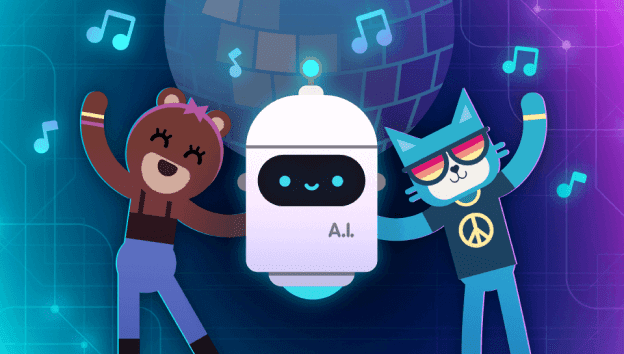
This year has brought forth new technologies and opportunities for students. Artificial Intelligence (AI) continues to be at the forefront of many educational discussions. As we continue to understand and evaluate both the benefits and the risks of integrating AI into the educational system, we can take advantage of engaging opportunities such as Code.org's Hour of Code - Creativity with AI. Students in grades 2-12 can learn about AI by creating an individualized dance party or by detecting trash and help to clean the oceans. Check out these and many more Hour of Code activities and resources at the link provided above.
Wisconsin's Hour of Code Challenge
I call upon all PK-12 educators to find a hour of time during Computer Science Education Week to engage with coding activities. Those activities can range from unplugged activities for our younger students, such as creating directions to tying shoes or how to line up (creating algorithms)or for our middle school students to explore CS Heroes or create a scrolling name tag with Micro:Bits, to our older students engaging with how AI impacts society or creating a personal portrait using Python programming language. No matter what grade level or what resources are available, there is always opportunities to engage in computer science related activities.
My ask is to share and share widely. Share with your parents, your school administration, your school board, and your community. Your students are learning and utilizing 21st century skills which will continue to be essential for the future workforce and we need to continue to celebrate these achievements.
Participating in an Hour of Code activity?
Register your event or classroom activity and join the millions around the world participating in the Hour of Code!
Here at DPI, we are committed to ensuring all students, teachers, and districts have the skills, knowledge, and tools they need to continue their path of offering equitable and accessible CS opportunities and experiences at all grade levels. Thank you to Dr. Jill Underly, State Superintendent of Public Instruction for declaring December 4-10, 2023 as Computer Science Education Week throughout the State of Wisconsin. Download the proclamation to display in your school, organization, or business. Computer Science Education Week Proclamation
Lastly, it has been approximately 15 months since I joined the Teaching and Learning team at the Wisconsin Department of Public Instruction as the Computer Science and Digital Learning Education Consultant and I am beyond grateful for the warm hospitality so many of you have shown me. It is truly inspiring to witness all the amazing things happening in regards to K-12 Computer Science education in Wisconsin. This is a team effort and I look forward to assist in growing the team of computer science educators who provide classroom opportunities but also those who engage in student opportunities beyond the classroom. So let's continue to celebrate our wins and cultivate new experiences for all learners in Wisconsin.
For more information:
Computer Science Education Week
Additional Resources and Ideas for Computer Science Education Week
| Theme | Overview | Resources |
|---|---|---|
|
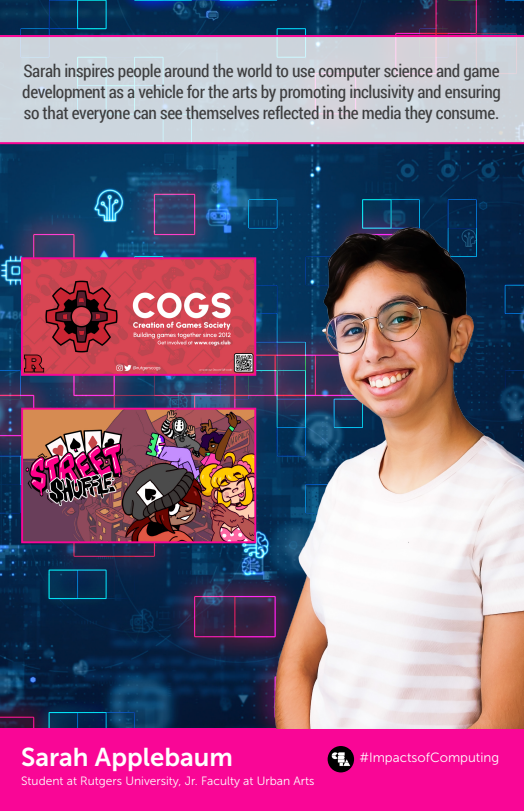
CS Heroes
|
We are here to celebrate the unsung heroes of the digital age - our Computer Science Heroes. These pioneers, innovators, and visionaries have shaped the landscape of the technology, paving the way for a future where the possibilities are limitless. Help me to recognize their contributions, as we inspire the next generation to embark on their own journeys in the world of computer science. Together, let's unlock the potential of minds and empower a new wave of creators, problem-solvers, and leaders in the ever-evolving realm of technology. |
CS Heroes resources: Posters and classroom activities |
|
Art
|
Integrating art into computer science activities is increasingly recognized as a valuable and enriching approach. This integration brings several benefits:
|
Code/Art - Code your self-portrait
Spheros |
|
NCWIT:
|
The National Center of Women in Technology (NCWIT) comprises of adult influencers - family members, formal and informal educators, counselors, administrators, mentors, and other - who are instrumental in encouraging and guiding students in their education and career aspirations. NCWIT offers ways to engage students in computing experiences that align with their interests and passions, to inspire them with real-life role models, to celebrate students' persistence, and more. |
CS + "X" Series
|
|
Microsoft Learn
|
Microsoft Learn is an open educational resource for students, teachers, parents, and the community to engage in a hands-on approach to expand technical knowledge. Explore training opportunities and the Student Hub for more information. To learn more about students earning certifications for free, please contact Benito Lettieri at Certiport. |
|
|
Code.org
|
This year Hour of Code is exploring the limitless realms of creativity empowered by AI! Whether you or your students are experienced coders or you are setting out on your very first computer science expedition, this Hour of Code promises an extraordinary voyage. |
2023 Hour of Code: Creativity with AI |
|
MakeCode: micro:bits
|
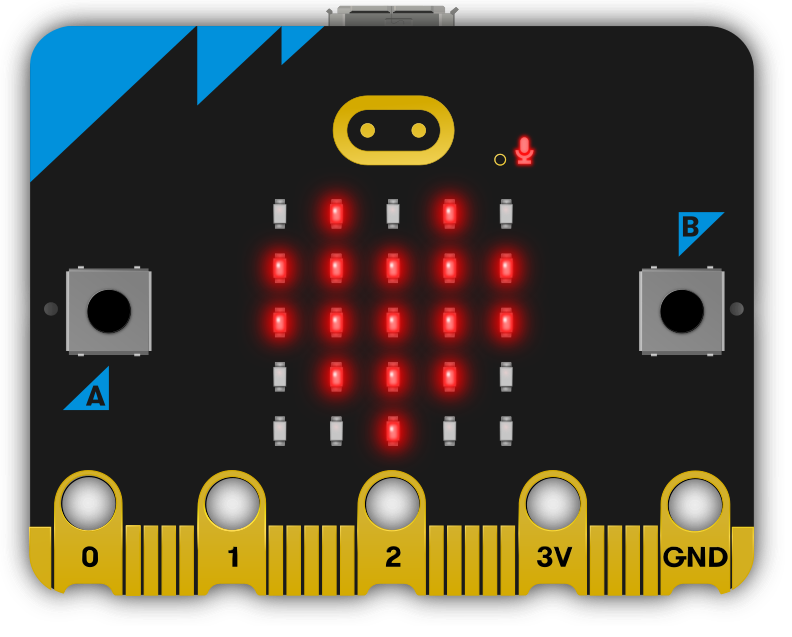
Take your students creativity to the next level with the Microsoft Makecode micro:bit coding platform. With or without the physcial LED circuit board, students can explore multiple ways to express their individual creativity. Visit the tutorials and see which one might be a good fit for your classroom. The Rock Paper Scissors is my personal favorite as it takes computation thinking to the next level with understanding "if" statements. |
|
|
Scratch
|
Encourage your learners to imagine a world where anything is possible, then bring it to life with Scratch! This is a great introductory coding activity. The accompanying Educator Guide is full of tips for facilitating a workshop or class around this tutorial. The Imagine a World Coding Cards have extra tips to support learners as they explore and create. |