
Wisconsin Public Library and System Annual Report Electronic Reporting Portal Library Performance Assessment Solution (LibPAS) is open to retrieve reports, infographics, and brochures. Information about completing the Wisconsin Public Library Annual Report was sent to all Wisconsin Public Library directors from WI@countingopinions.com.
State statutes require that library boards file their annual reports by March 1 (February 29 in a leap year)—within 60 days after the conclusion of the fiscal year of the municipality or county in which the public library is located [Wis. Stat. s. 43.58(6)(a)].
- Wisconsin Public Library Annual Report - An Overview. Understand why the Annual Report is collected, review the statistics which are gathered, and learn how the data is used.
- 2024 Programming and Activity Count Tracker. This workbook can be used to track programs and activities throughout the year and prepare program and activity counts, attendance, and participation for Sections III and XIII of the Annual Report.
- Defining Programs and Activities. Revised for 2024, learn how to define a program and a self-directed activity for purposes of the Annual Report.
- Categorizing Programs and Activites. Learn how to report pre-recorded, in-person, and live, virtual programs and the difference between synchronous and asynchronous programs. Understand how to count attendance, participation, and views of recorded presentations. The guidelines to report multi-format programs are revised for 2024.
- Visual supplement summarizing guidelines to report program and activity counts, program attendance, activity participation, and pre-recorded program views for 2024.
- Tracking Programs & Activities for the 2024 Annual Report. Tour the Program and Activity Count Tracker. See sample data entry within the workbook. Learn best practices for using the tool.
- Defining Reference Transactions. A flowchart will guide whether an interaction with library staff should be counted as a reference transaction. Examples and excerpts from the IMLS Public Libraries Survey are included.
- Instructions for the 2023 Annual Report. Includes current descriptions of annual report data elements. New items and resources are highlighted in the Annual Report instructions. Revised 1/27/24 to cover multiple updates including Categorized ILL Transactions, Debt Retirement and Resident Borrowers.
- What's New for the 2023 Annual Report. Revised 11/10/23 to cover multiple updates including Resident Borrowers.
- 2023 Annual Report Worksheet. This worksheet can be used to compile information before entering annual report data into LibPAS. Note: The worksheet is provided for convenience and does not replace submission of the online or PDF report. Revised 11/10/23 to cover multiple updates including Resident Borrowers.
- Annual Report Q&A Repository. This workbook is intended for library and system staff responsible for gathering and submitting statistics to the Wisconsin Public Library Annual Report. The workbook contains questions and answers for the current Annual Report and a subset of relevant questions from prior years.
- 2023 System Effectiveness form. The form should be completed and submitted in tandem with the annual report or, if the library board wishes to submit it separately, the board's statement on system effectiveness may be indicated on this completed, approved, signed form that is submitted separately from the online public library annual report. If the library board should choose that course of action, please choose "Not indicating online" on the electronic form, then send the signed, scanned statement as a PDF to LibraryReport@dpi.wi.gov.
- Note: As a public document, the separate paper statement will be provided upon request to your public library system or others, regardless of whether it is submitted separately.
- System effectiveness forms are due by the same date as the annual report—March 1 (February 29 in a leap year).
- Using LibPAS. Instructions for using the LibPAS online reporting system to complete data entry forms, including organization, navigation, data entry, report submittal. For guidelines on the information to be entered on the form, see "Instructions for the Annual Report" above.
- Public Library Annual Report Addendum PI-2407. To request corrections to the Public Library Annual Report after the signed report has been submitted, complete the General Information section of PI-2407 and submit to LibraryReport@dpi.wi.gov.
Any questions regarding the annual report reporting platform, these reports, or instructions should be directed to LibraryReport@dpi.wi.gov.
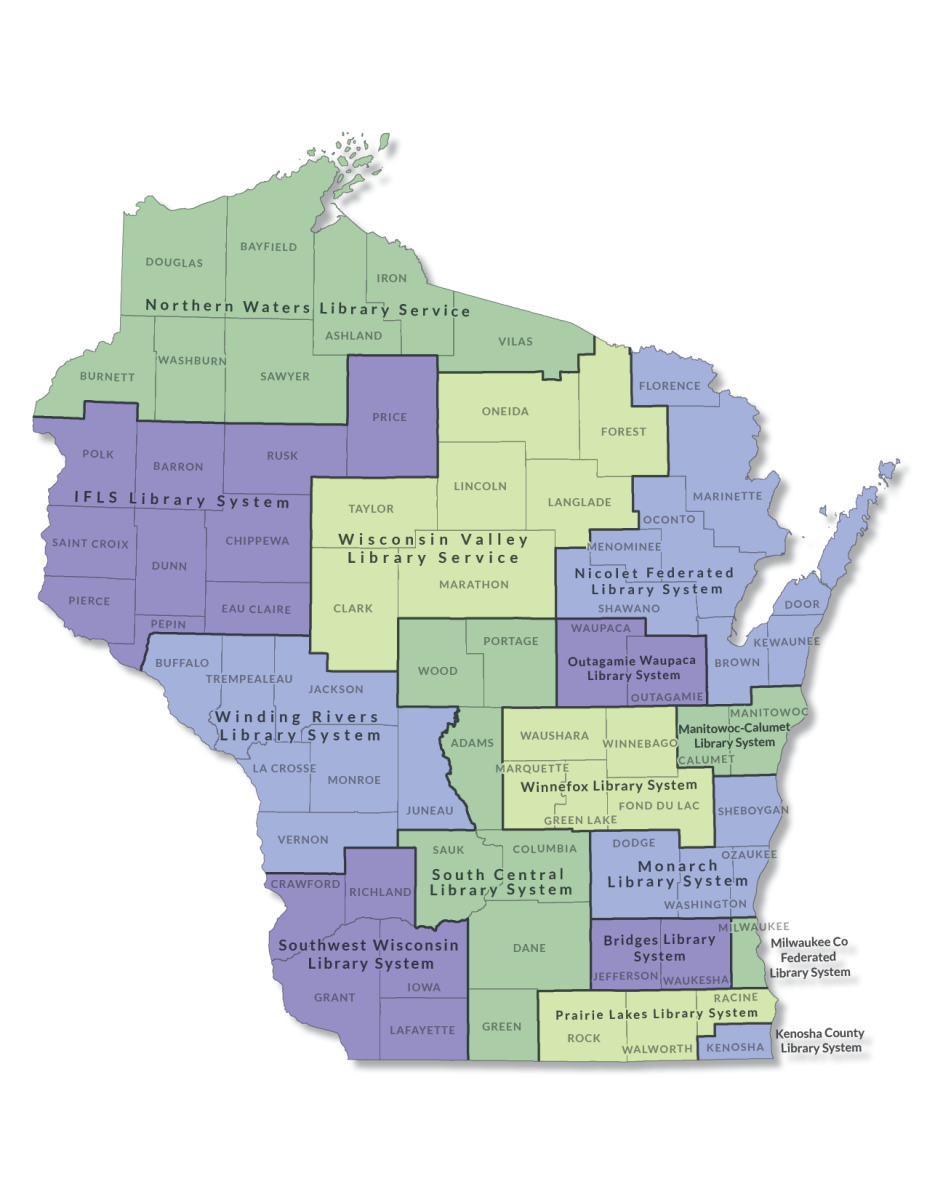
Library System Annual Report
Support material for completing the Public Library System Annual Report is linked below.
- 2023 Pre-fill Template for Systems for member libraries' Public Library Annual Report.
- Instructions for the 2023 System Annual Report. Includes current descriptions of system annual report data elements.
- 2023 System Annual Report Workbook This worksheet can be used to compile information before entering library system annual report data into LibPAS. Note: The worksheet is provided for convenience and does not replace submission of the online or PDF report.
The 2023 System Annual Report is due March 31, 2024.
Any questions regarding LibPAS, these reports, or instructions should be directed to LibraryReport@dpi.wi.gov.